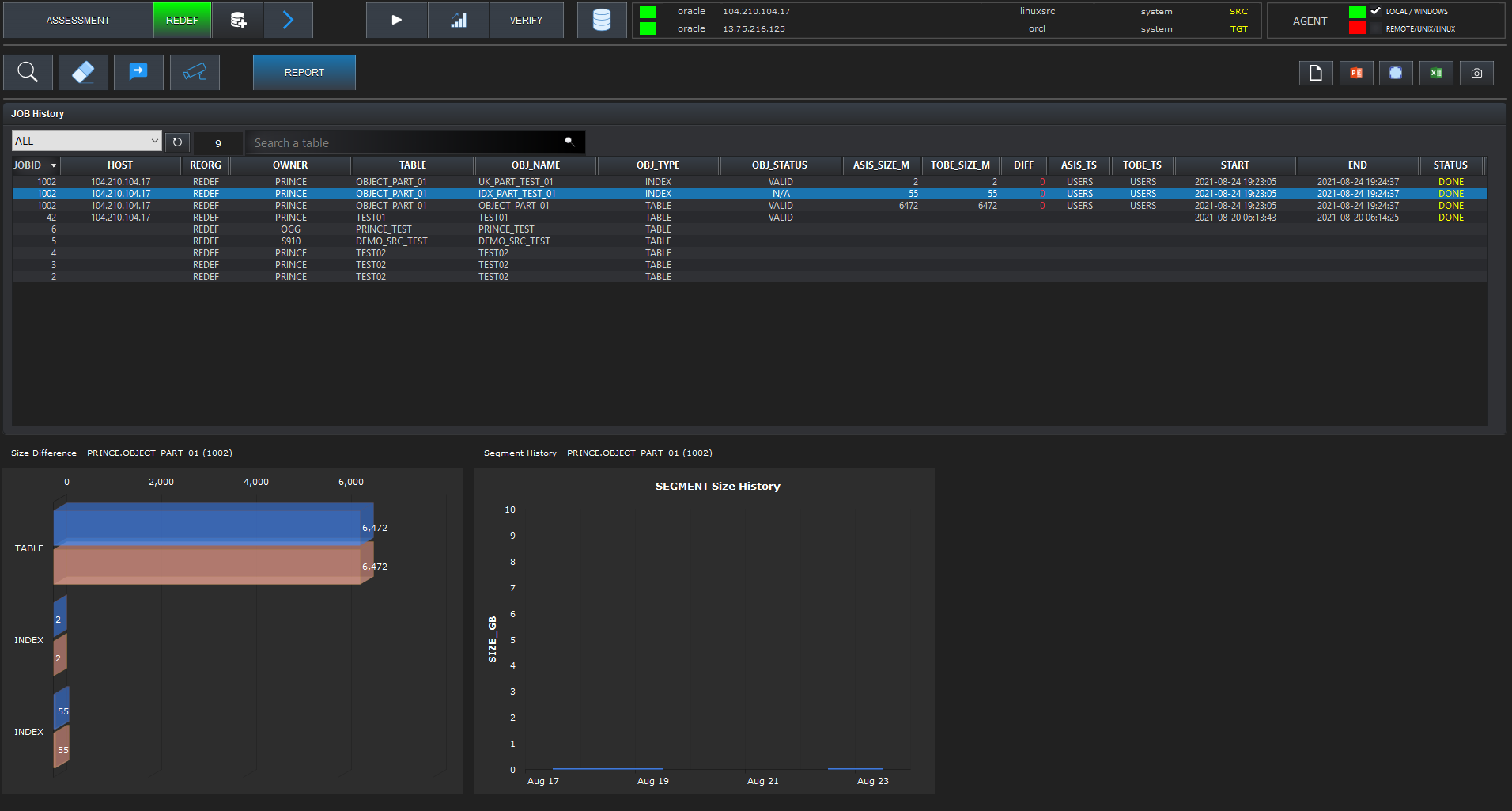
Check Target Segments for Reorg
You can check the changes in total database size by date.
By displaying the top 100 segments with a large amount of free space in blocks, you can easily identify segments that require reorganization.

Reorganization
YOUR AGENT FOR REORG
You can check the changes in total database size by date.
By displaying the top 100 segments with a large amount of free space in blocks, you can easily identify segments that require reorganization.
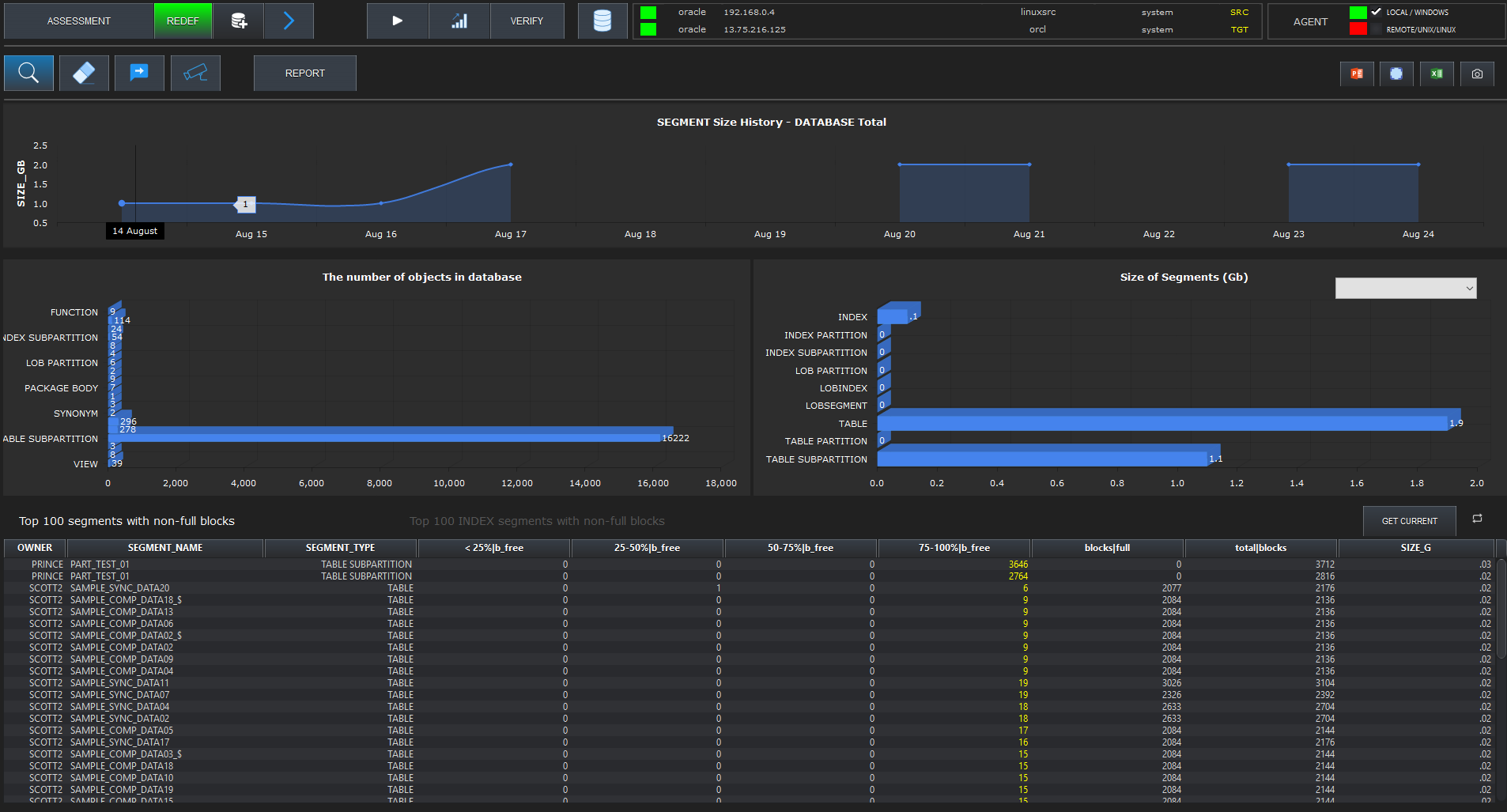
Detailed Check of Target Table
Select Target Table
Select a table to perform the reorganization.
You can check dependent objects related to the selected table and view the actual status of the segments.
Select Method and Options
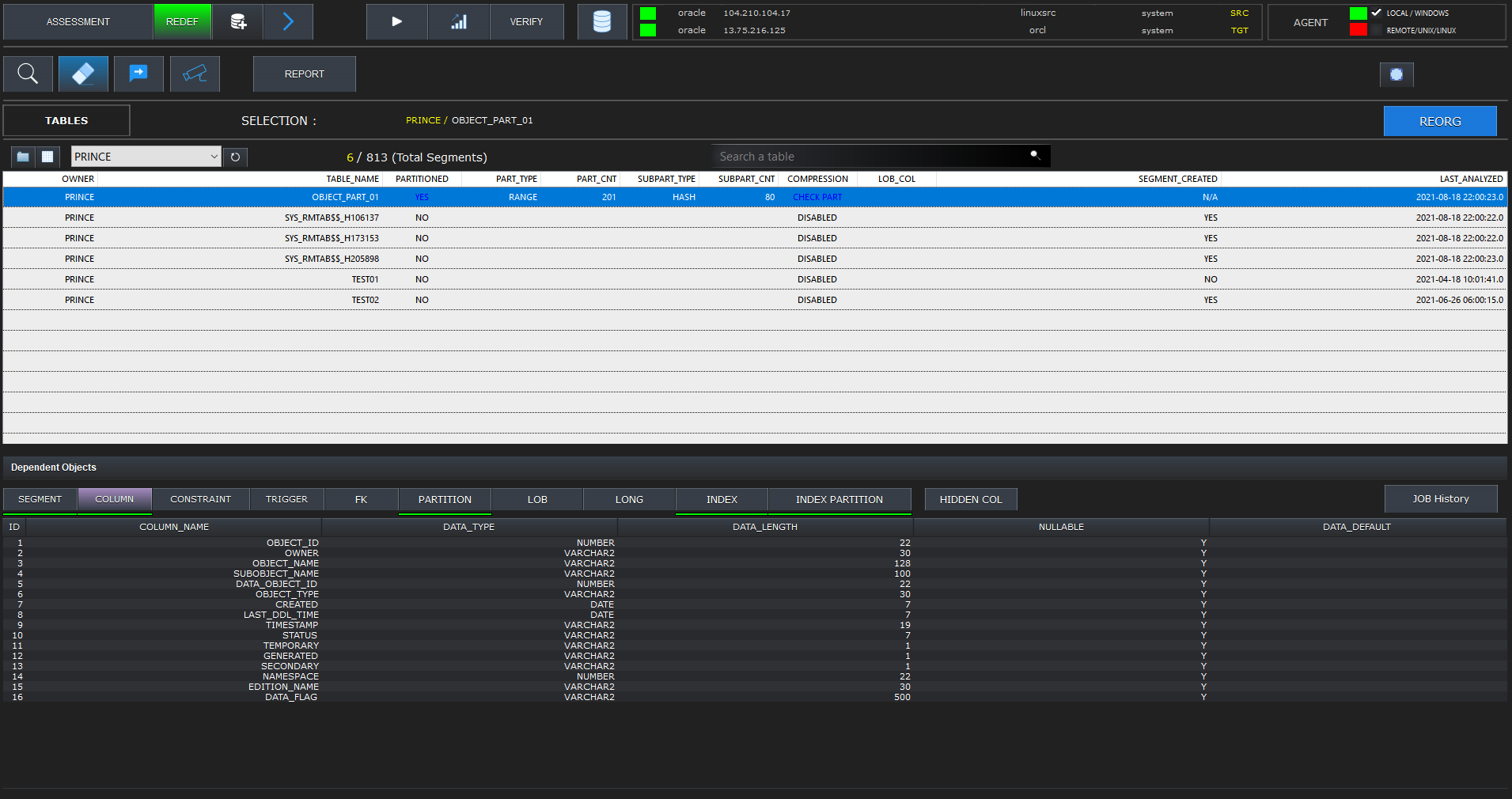
Select Work Options
Depending on the state of the selected table, available action buttons and options are activated.
If it is a partitioned table, you can select one or more partitions as the target and specify various factors to consider during the operation.
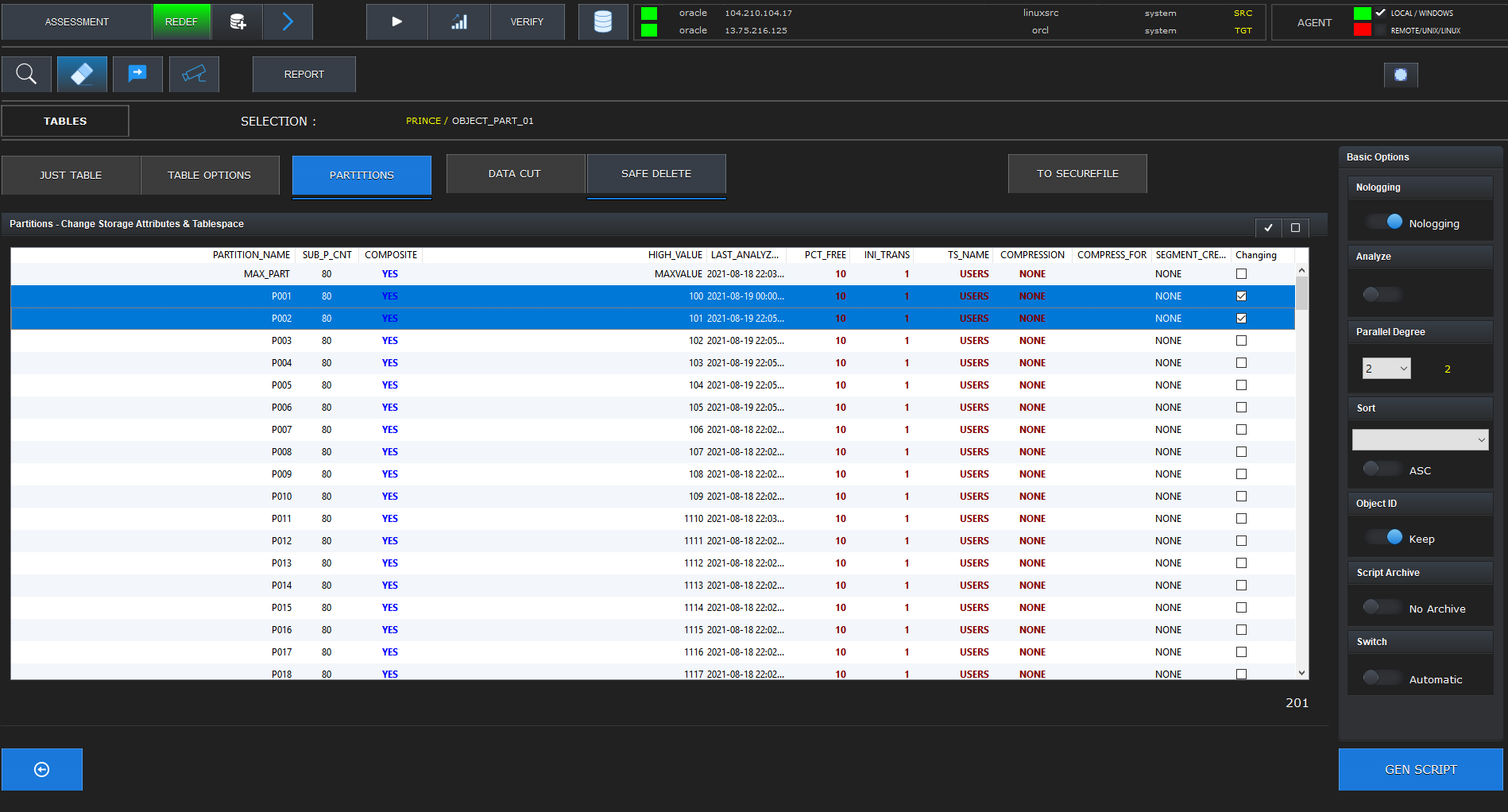
Review and Run Reorg Script
Run
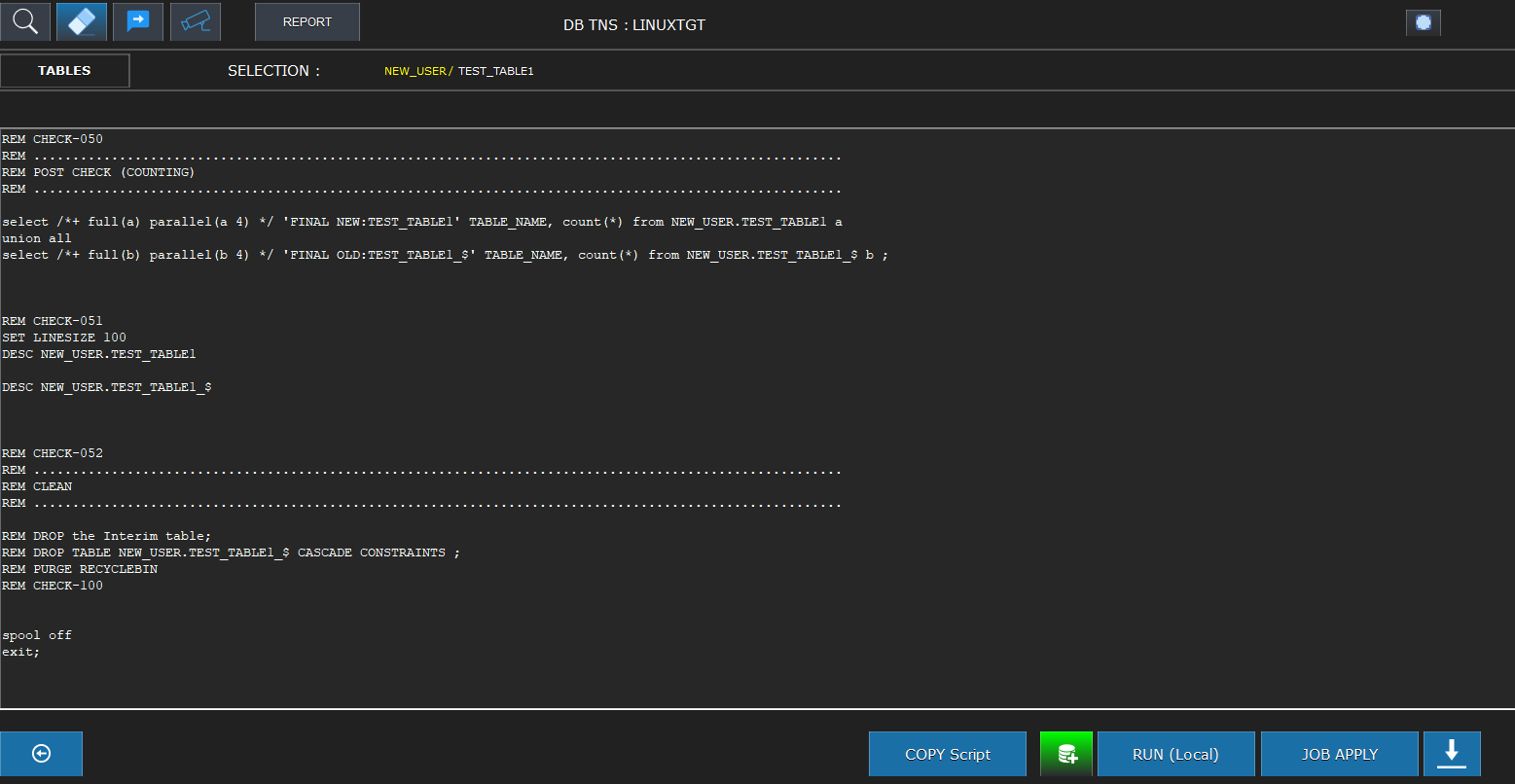
The actual script that will execute the task is displayed. You can manually run this script on the DB server, or click RUN to start it directly from the GUI. It executes the generated script locally via SQL*Net.
Detailed Task Monitoring
Monitoring
You can easily track the current phase, and the detailed task information is displayed in real-time.
Once completed, double-click the task data to see detailed before/after results.
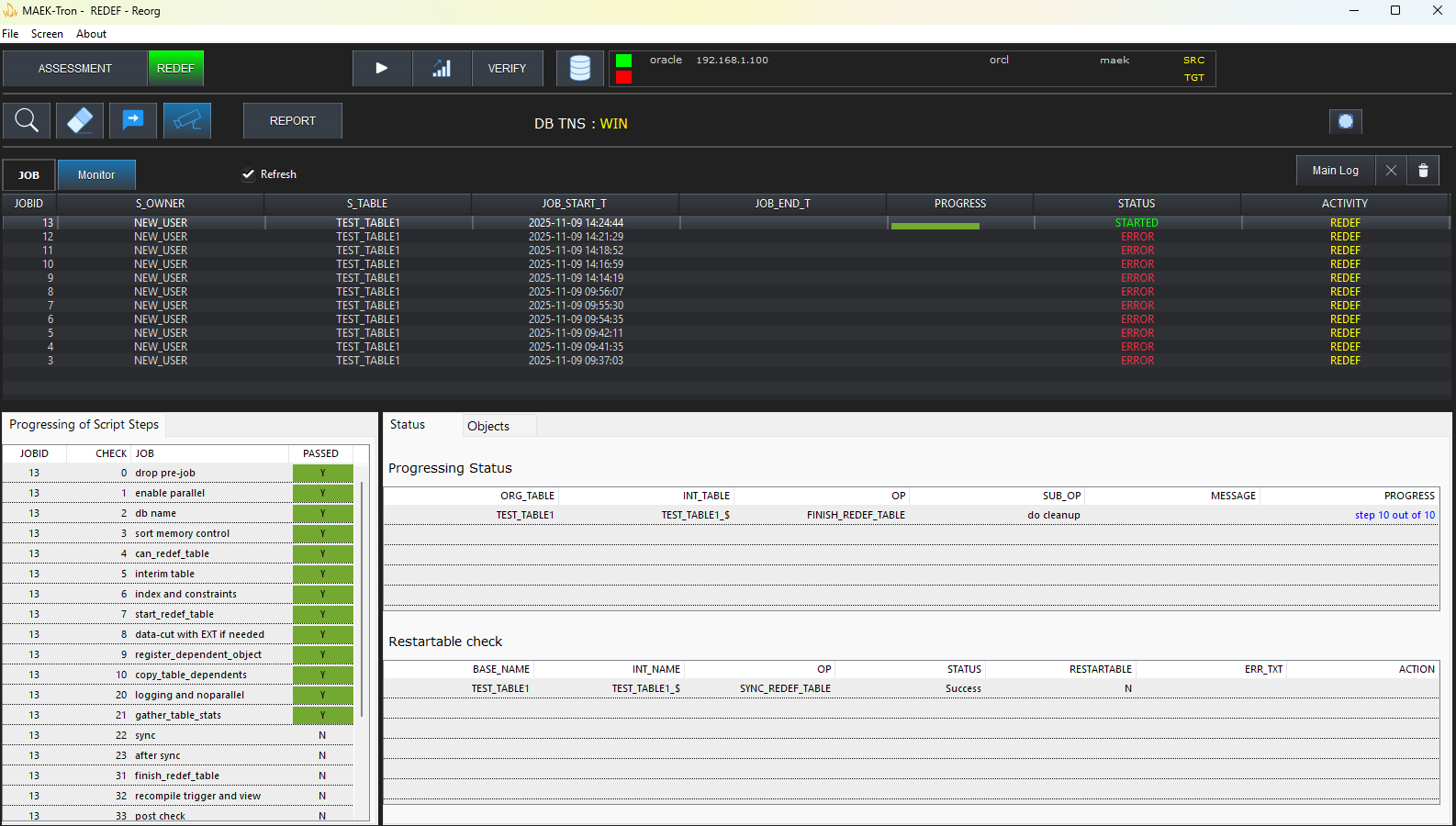
Status of Segments and Dependent Objects (Before & After)
Monitoring (Before & After)
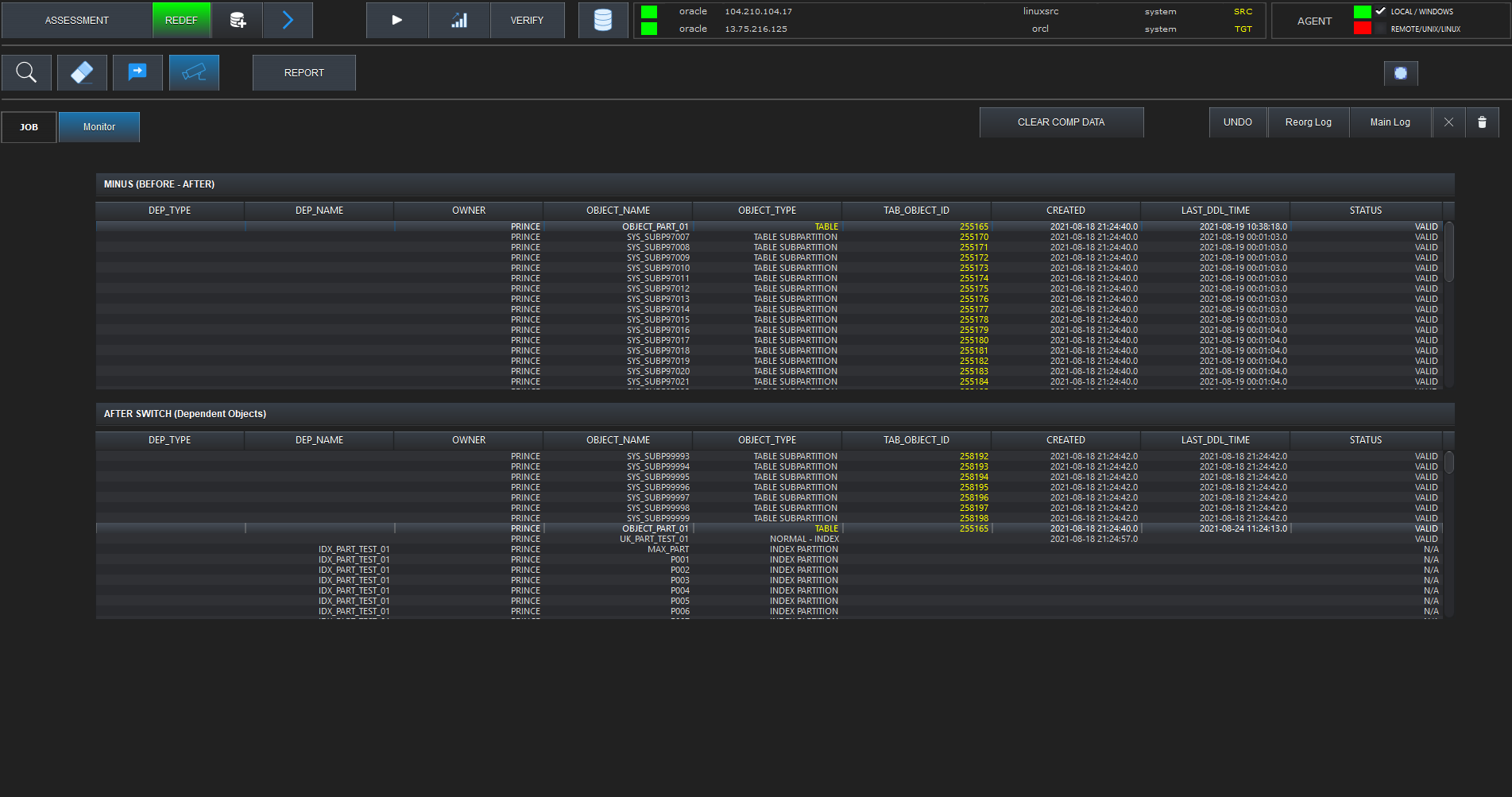
After the reorganization, the number of segments and dependent objects must remain unchanged. You can analyze this comparison data on a single screen.
Task Result History
Report
The detailed result history of completed tasks is displayed, making it easy to recognize the reclaimed segment space and modified tablespace information.
You can also check the changes in segment size per task through graphical charts.